Most cooldown policy implementations work at the download layer. A package request occurs, the policy intercepts, the download is blocked, and the build fails. The package manager already committed to that version so the enforcement is technically active, but it hands developers a broken build and no clear path forward. Many respond by pinning around the policy or going direct to public registries. The control becomes a process tax rather than a security layer.
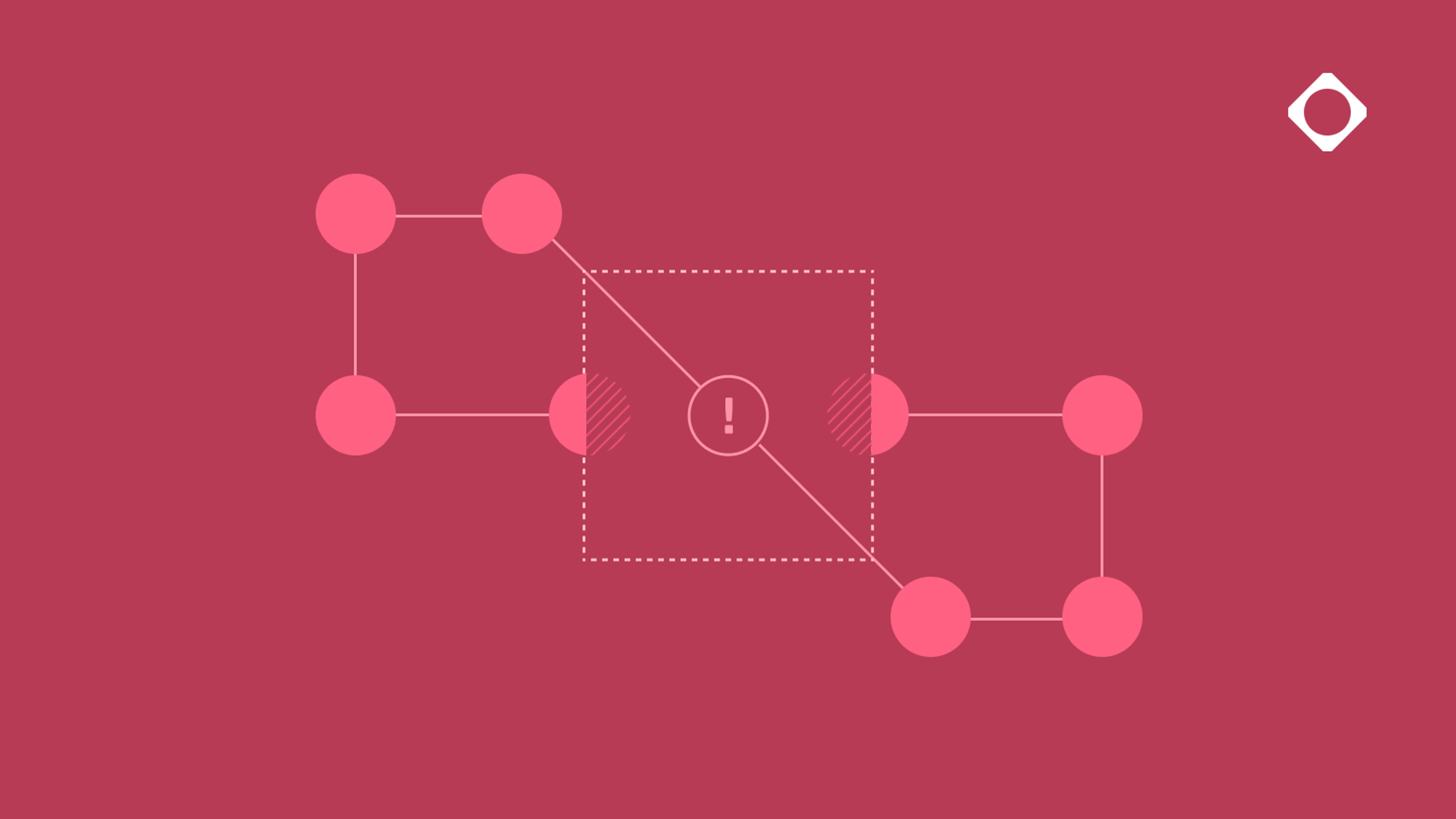
Cloudsmith's cooldown policy enforces at the index. Packages that don't meet the configured minimum age don't appear in the index at all – the package manager resolves to the next compliant version automatically, with no build failure and no developer intervention required. The security happens before the build even knows there's a decision to make.
That design choice matters more now than it did a year ago. Shai Hulud and axios made the exposure window visible at scale: both attacks moved from publication to compromise within hours. A cooldown policy doesn't guarantee it catches every attack, but index-level enforcement means newly published packages can't reach your builds before threat intelligence has time to catch up – and it does it in a way developers won't route around.
How the index-level enforcement works
The primary target for cooldown policies are packages your Cloudsmith workspace has not cached yet. These are packages the platform would normally proxy directly from a public upstream like PyPI, npm, Maven Central, NuGet.org, or the Go module proxy. Cloudsmith does not download or cache these packages while they're inside the cooldown window, so they're absent from the index from the start.
When the package manager receives a request for a newly published package it resolves to the next index-compliant version without retries or build failures. In this case the cooldown policy is completely invisible to developers.
Friction only surfaces when no compliant version exists. For example, when a lockfile or exact version pin targets a package still inside the cooldown window. In that case, the build receives a 404 Not Found or a customizable 403 Forbidden response. Rather than leaving developers with an error to debug, Cloudsmith returns an enhanced message that includes policy name, a customizable description, and a policy ID. You control what that message says – who to contact, a link to your exemption process, or an internal runbook. The right information to move forward reaches the developer, in their terminal or build log, without any client-side configuration. Enhanced messaging is currently available for npm, Maven, and uv (Python); other supported formats return the standard error without that added context.
Cloudsmith determines a package's age from upstream metadata, and the exact field depends on the format: the time field for npm, the upload-time field for Python, the Last-Modified header for Maven, the Time field from the Go module proxy for Go, and the Published field for NuGet (via the OData feed for NuGet V2, or the catalog leaf for NuGet V3). If that metadata isn't populated by the package maintainer, the policy fails open, which means that Cloudsmith does not hide the package from the index. This is worth accounting for when you're evaluating policy coverage: Cloudsmith won’t block packages with missing age metadata.
How to write cooldown policies
No two organizations have the same requirements. Policy as code, using OPA Rego, gives companies the flexibility to tailor policies to their specific needs and to exercise greater control over their development pipelines.
Documentation with step-by-step instructions for creating cooldown policies is here. Users have two options to create and manage cooldown policies. One is through the Cloudsmith web app, which exposes all the configurable fields and handles the Rego scaffolding for you. The other is through the Cloudsmith API, which allows you to manage policy configuration programmatically or through infrastructure-as-code.
Cooldown policies have two fixed structural constraints that users cannot change: the policy always runs at precedence 0 and is always terminal, which means the platform evaluates it first and, if a match occurs, no additional policies run for that package.
The key variables in the default template are within_past_days, supported_formats, included_repositories, and excluded_repositories. For example, setting within_past_days to 7 hides any npm, Python, Go, Maven, or NuGet package published within the last week from the index. By default the cooldown policy applies across all repositories in the workspace, but you can scope policies to include or exclude specific repos as well.
The include_local_packages flag controls whether the policy applies to packages uploaded directly to Cloudsmith rather than proxied from a public upstream. The default for this flag is true. Most teams will want to evaluate this explicitly because packages your team publishes internally carry a different trust model from packages arriving from public Python or npm registries.
Getting started with cooldown policies
Supply chain attacks don't announce themselves. The window between when a malicious package is published and when it's identified is exactly where modern development pipelines are most exposed, and closing that window requires enforcement that works with your build process.
Cloudsmith's cooldown policies are built on our policy management, using policy as code, so the same infrastructure that enforces minimum package age requirements also powers malicious package blocks, allowlists, high-risk vulnerability blocks, license compliance, and more. You can scope policies to specific repositories, formats, and packages – giving teams the precision to enforce exactly what they need without creating blanket restrictions that slow teams down.
Check out the documentation to learn more or request a demo to see them in action and to learn more about what's available for your team.