

Top 10 most popular LLM models on Hugging Face
Hugging Face has evolved from a repository for niche research into the definitive backbone of the global AI ecosystem. Often described as the "GitHub of Machine Learning", it serves as a central hub w…

At the time of writing, there are over 2.5 million models hosted on Hugging Face. While this democratisation of AI is changing how all work and develop with AI, it also introduces a massive supply chain risk. Every time a developer runs from_pretrained(), they are essentially pulling an opaque blob of data from a public registry.
The core of the issue? We often don't know the provenance of these models, their true licensing constraints, or (most importantly) what code is tucked inside their weight files.
In the Python ecosystem, Pickling is the standard way to serialise object structures into binary. In machine learning, it is the default format for PyTorch weights (.pt, .pth, .bin).
However, the Pickle protocol is not just a data format; it is a stack-based virtual machine. When you unpickle a file, you aren't just reading data, you’re also executing a sequence of instructions (opcodes).
The Security Flaw: Pickle was never designed to be secure against erroneous or maliciously constructed data. A malicious actor can craft a pickle file that, when opened, executes arbitrary code on your machine, like opening a reverse shell or exfiltrating environment variables.
You can see this in action using open-source tools like picklescan. By scanning a known dummy malicious model (ykilcher/totally-harmless-model), we can see exactly where the trap was set.
Again, this is a dummy model. It’s not actually malicious. To my knowledge it doesn’t do anything. This is purely to demonstrate what a picklescan is looking for:
pip install picklescan
picklescan --huggingface ykilcher/totally-harmless-model
The Result: The scanner identifies a dangerous global: the model is calling eval() during the load process, which executes the arbitrary code. This is the smoking gun of a serialisation attack.
Outputs look like this:
https://huggingface.co/ykilcher/totally-harmless-model/resolve/main/pytorch_model.bin:archive/data.pkl: global import '__builtin__ eval' FOUND
----------- SCAN SUMMARY -----------
Scanned files: 1
Infected files: 1
Dangerous globals: 1
The scanner can also load Pickles from local files, directories, URLs, and zip archives.
For the purpose of demonstration, let’s scan the pytorch_model.bin file associated with the sshleifer/tiny-distilbert-base-cased-distilled-squad model on Hugging Face:
picklescan --url https://huggingface.co/sshleifer/tiny-distilbert-base-cased-distilled-squad/resolve/main/pytorch_model.binAs discussed above, ML models are shared publicly over the internet, within and across teams. The rise of Foundation Models resulted in increasing consumption and further training/fine tuning of public ML models. Because developers use ML models to make critical decisions and power mission-critical applications, it makes sense that there would be more than one open-source scanning option, especially when vulnerabilities can appear in other scanners such as Picklescan.
Modelscan is an open source project from Protect AI that scans models to determine if they contain unsafe code. It is the first model scanning tool to support multiple model formats. ModelScan currently supports: H5, Pickle, and SavedModel formats. This protects you when using PyTorch, TensorFlow, Keras, Sklearn, XGBoost, with more on the way.
pip install modelscan
modelscan -p ~/.cache/huggingface/hub --show-skipped
Scanning the entire local Hugging Face cache on my Macbook with Modelscan showed nothing suspicious when I scanned the original ykilcher’s Totally Harmless Model we downloaded earlier.
To test this, we create a simple make-bad-model.py file:
import pickle
import os
import webbrowser
# --- 1. CRITICAL: Shell Access ---
class CriticalMalicious:
    def __reduce__(self):
        return (os.system, ("echo 'CRITICAL DETECTED'",))
# --- 2. HIGH: Network/Browser Interaction ---
class HighRisk:
    def __reduce__(self):
        return (webbrowser.open, ("http://malicious-site.com",))
# --- 3. MEDIUM: Unsafe Keras-style patterns ---
# Note: Medium is often triggered by Lambda layers in .h5 files,
# but using a non-standard global in Pickle often defaults to Medium.
class MediumRisk:
    def __reduce__(self):
        return (print, ("Potential unsafe logging",))
# Save the files
with open("test_critical.pkl", "wb") as f:
    pickle.dump(CriticalMalicious(), f)
with open("test_high.pkl", "wb") as f:
    pickle.dump(HighRisk(), f)
with open("test_medium.pkl", "wb") as f:
    pickle.dump(MediumRisk(), f)
print("Files created: test_critical.pkl, test_high.pkl, test_medium.pkl")
Then run the below commands to create the model and scan it with Modelscan:
python3 make-bad-model.py
modelscan -p .The above Python script provides a classic example of why pickling is dangerous and why tools like Modelscan exist. When you use __reduce__, you tell Python exactly how to reconstruct the object when it's loaded. By putting os.system or webbrowser.open inside that method, you turn a simple data file into an executable script.
Once you point Modelscan at the correct filename, it should successfully flag test_critical.pkl because it detects the use of the os.system global within the pickle stream.
When you’re done, you can clean up all the newly-created files with the below command:
rm make-bad-model.py test_medium.pkl test_critical.pkl test_high.pklTo secure your AI pipeline, you should adopt a defence-in-depth strategy:
from_tf=True to load models from safer formats like JAX or TensorFlow when available.Manually scanning every model isn't scalable. This is where Cloudsmith comes in. In a previous blog post, we explained how to use Cloudsmith as your private proxy for AI models, and how to enforce Hugging Face policies in Enterprise Policy Manager (EPM) to automatically block potentially infected or unsafe models before they ever reach a developer's machine.
The nice thing for Hugging Face users is that Hugging Face Hub already performs Pickle Scanning on all LLM Models. It then flags a model as safe or not. This Cloudsmith .rego policy rejects ingesting any model Hugging Face’s internal security scan did not mark as "SAFE".
package cloudsmith
import rego.v1
default match := false
incomplete_or_unsafe if {
    input.v0.model_security.availability != "COMPLETE"
}
incomplete_or_unsafe if {
    input.v0.model_security.scan_summary != "SAFE"
}
match if {
    "huggingface" == input.v0.package.format
    incomplete_or_unsafe
}
But as discussed earlier, we can run standalone picklescan almost anywhere to scan for files deemed insecure and verify those results against the existing Cloudsmith scans. However, it might be worth considering a more restrictive approach to the risky file formats that we accept into production.
If your LLMOps and security teams have standardised on the safetensors format, you can explicitly block legacy or high-risk formats. This reduces the overall attack surface by preventing the entry of formats known to support execution (like .pkl or .joblib).
package cloudsmith
import rego.v1
default match := false
pkg := input.v0.package
hf_pkg if "huggingface" == pkg.format

risky_file_extensions := {".h5", ".hdf5", ".pdparams", ".keras", ".bin", ".pkl", ".dat", ".pt", ".pth", ".ckpt", ".npy", ".joblib", ".dill", ".pb", ".gguf", ".zip",}

match if {
    hf_pkg
    some file in pkg.files
    file.file_extension in risky_file_extensions
}Like a funhouse mirror, securing AL models isn’t always what it seems. Securing generative AI is about more than just protecting the code – it’s about protecting the data that behaves like code. By utilising flexible Rego policies within Cloudsmith, you move from a reactive posture (scanning after the fact) to a proactive one (blocking by policy).
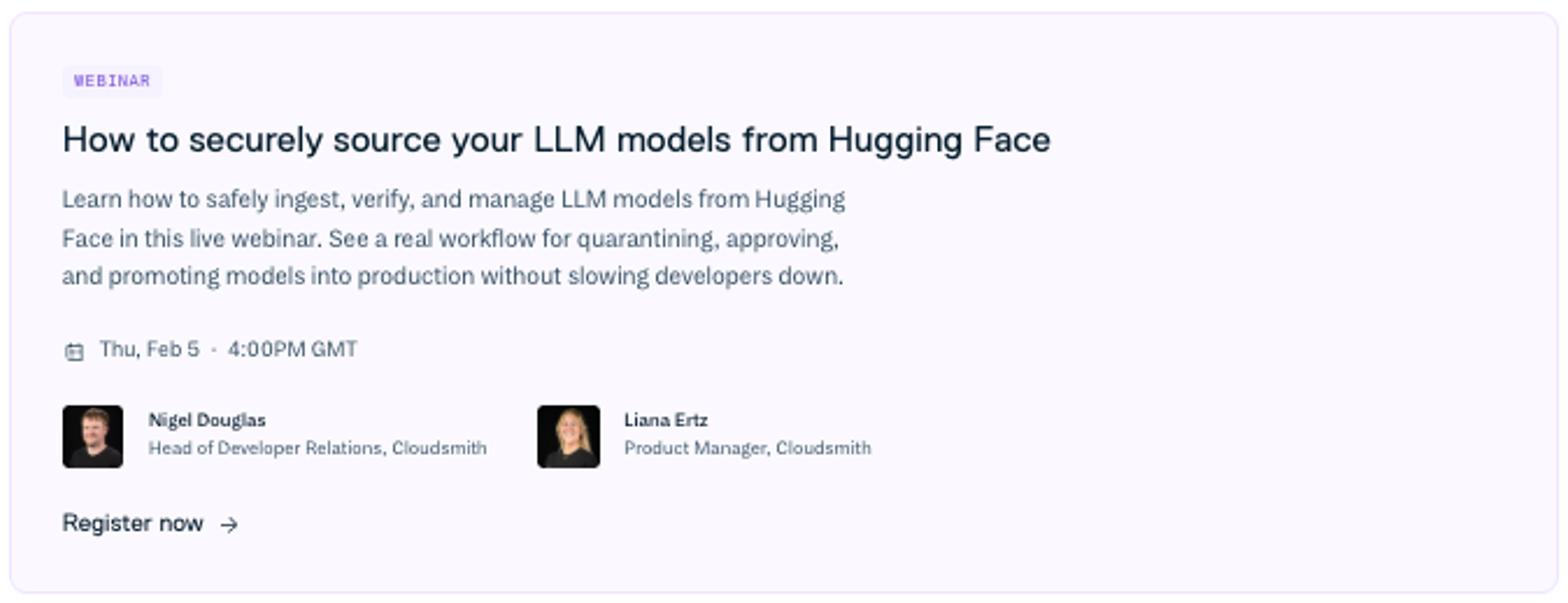
Check out our upcoming webinar with great insights about Hugging Face and evolving AI threats:
Want a broader framework for protecting AI artifacts and model supply chains? Explore our practical guide to securing non-deterministic systems in LLMOps.